While I love the Nintendo Switch 2, I’ve still got the same problems with these new Joy-Cons that I did with the previous ones: they’re just not comfortable to use. The small sticks coupled with the complete lack of grip on them makes it very difficult for me to play games that require a modicum of accuracy. I’ve made use of the Dbrand Killswitch Switch 2 case to make handheld gaming more palatable, but it means my Joy-Cons no longer fit into the provided grip, and with an official pro controller costing more than most games, I was hoping to find something a bit more affordable. Enter Snakebyte with their S2 controller.
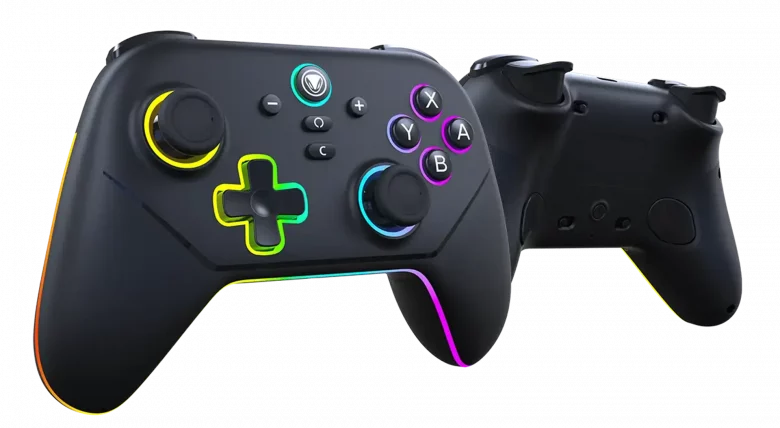
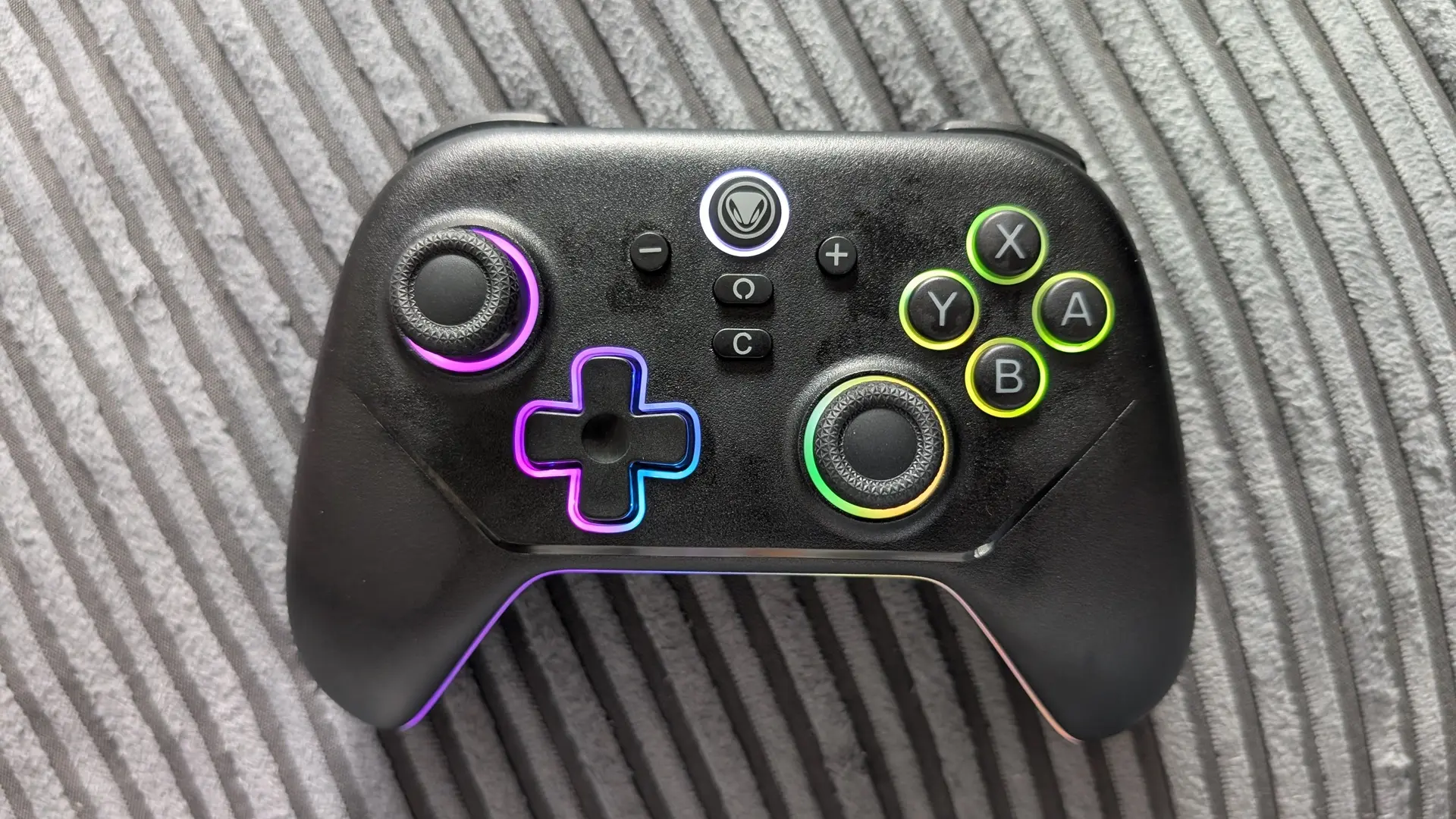
First impressions are pretty damn good. There’s no denying that this is a handsome controller: the matte black finish looks silky smooth and the RGB “gamer lighting”, while not normally something I’m too keen on, actually looks really great here. Unboxing the controller for the first time I also appreciated that all the packaging was cardboard and therefore easy to recycle and do your bit for the environment.
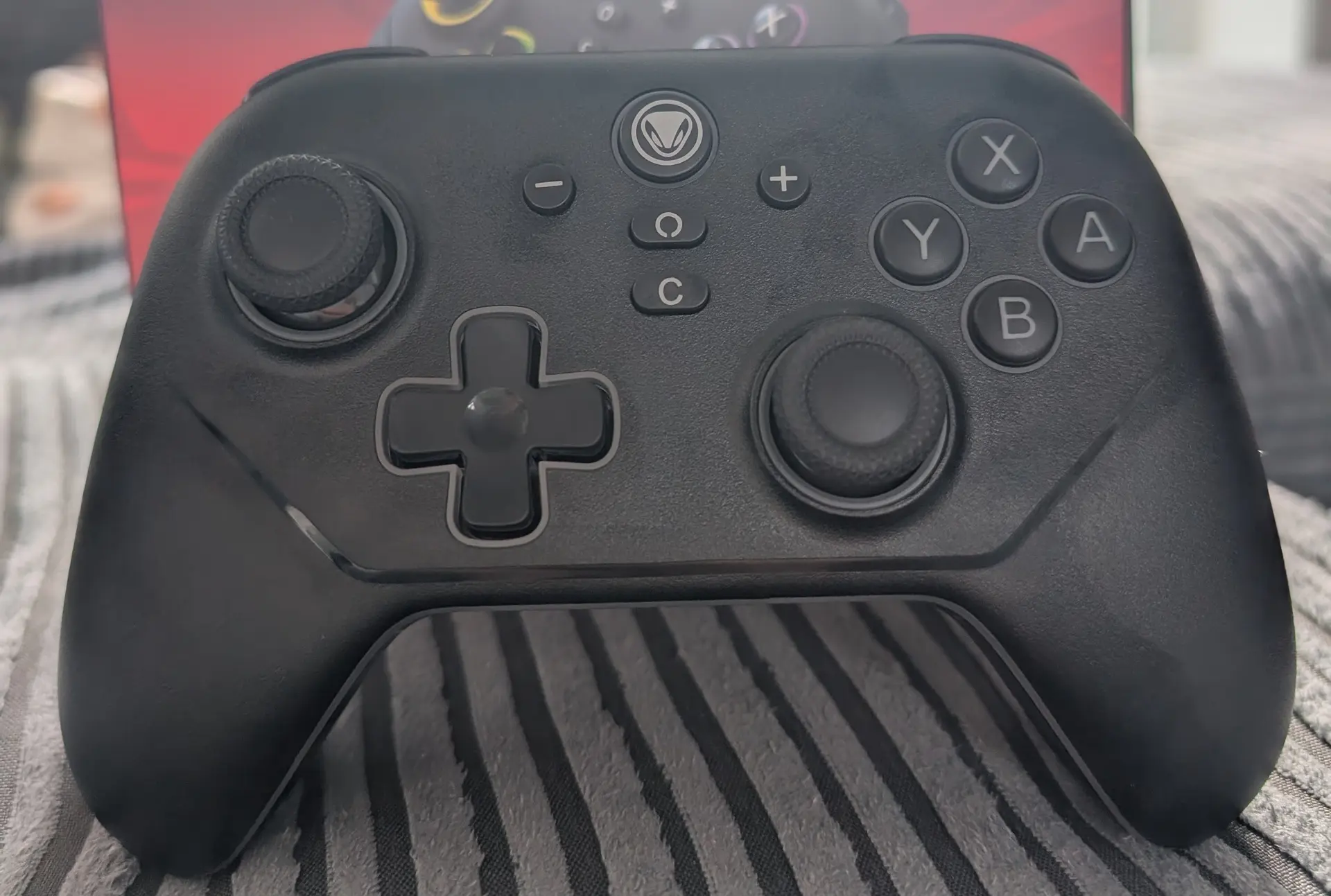
In the box you get the controller itself, a USB-A to USB-C cable, and a small USB-A dongle which comes with its own adapter to make it compatible with USB-C. You can connect the controller directly to the Switch 2 dock using the cable, which wasn’t an option for me with a toddler and kitten in the house, so I opted for the wireless connection which involves plugging the dongle into the Switch 2 dock or console and the controller then pairs with it.
In theory it’s nice and simple, although thanks to Nintendo messing around with console firmware it unfortunately was a bit of an ordeal trying to get the controller working wirelessly. It’s not Snakebyte’s fault, but it may potentially impact your initial experience with the controller so it feels important to mention. To their credit, instructions on their website are really clear and easy to follow, and you basically need to connect both the controller and the dongle to a computer (individually, not at the same time) and update the firmware on each. It takes a few minutes, so while it’s not ideal, it’s a fairly painless experience and hats off to them for making it relatively simple.
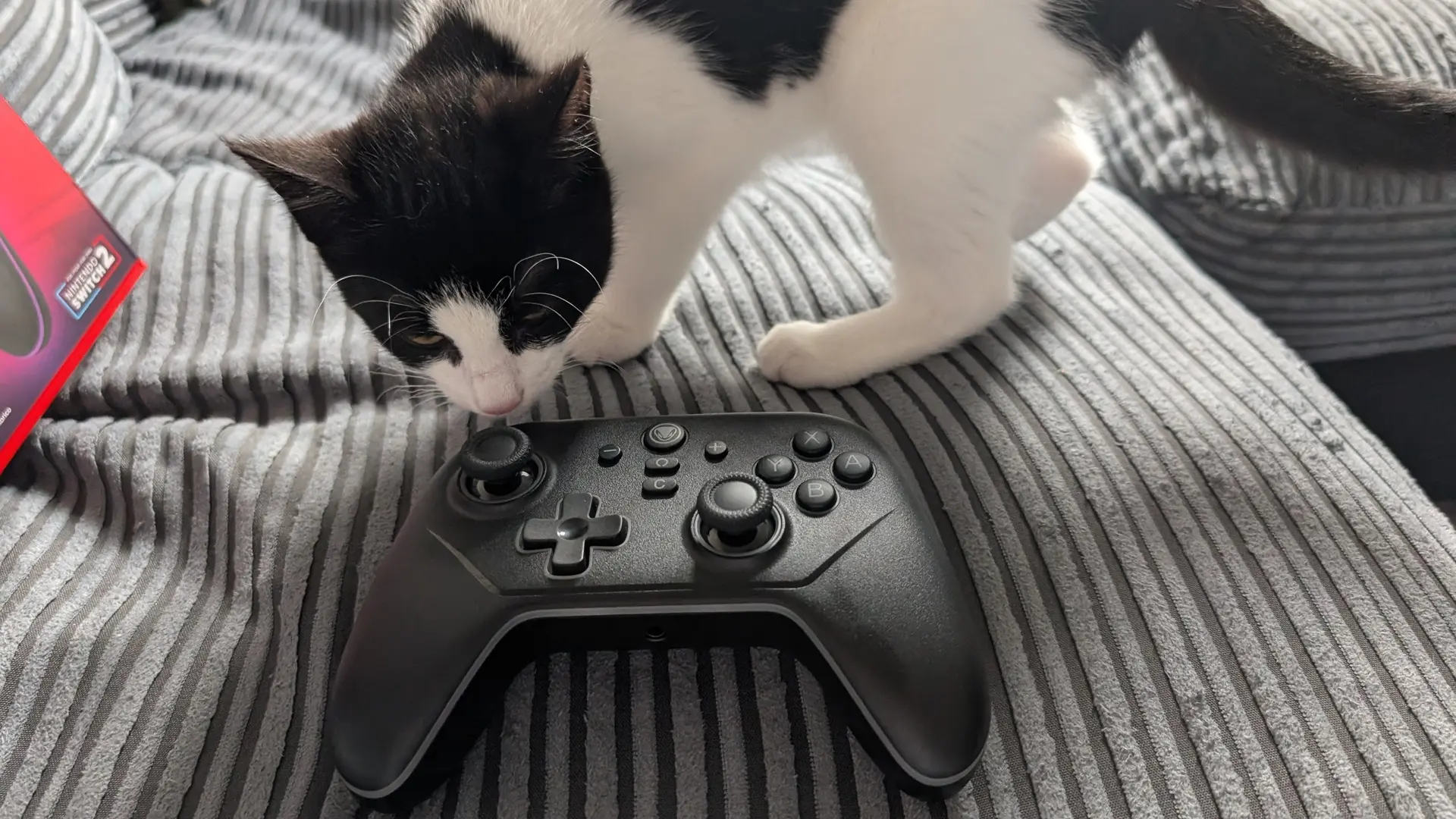
With the controller connected wirelessly, the experience you get is actually great for the most part. It’s a comfortable controller to use, with the buttons feeling suitably clicky and it’s even got squidgy triggers despite the fact that the Switch 2 itself uses digital ones. It all comes together to make something that feels high quality though. In terms of buttons, you’ve got everything you’ll need including a new addition for GameChat, plus home button, capture button and the obligatory turbo buttons that I’ve never used and likely never will. In terms of feature set, the only things I think are missing are gyro and NFC. While gyro would have been nice while I was playing Tears of the Kingdom, the sticks are actually good enough that I don’t feel the need to compensate for my poor aiming like I do on Joy-Cons.
So the controller is nice to use, but there is one large caveat: input lag. While the controller functions perfectly 90% of the time, there are random spikes where the input lag will become incredibly noticeable. It seemed to be more frequent when I first started using the controller, particularly when the console was just switched on, and some 30fps games like Assassin’s Creed Shadows were basically unplayable as the delay between moving the right stick and the camera following it was too big, It seems to have calmed down a bit since then, but it still seems to happen occasionally and is frustrating when it does, especially when it’s struck during intense runs of Ball x Pit. I’ve tried moving the Switch 2 dock slightly closer to me, and even moved it so it was no longer behind the TV, so it is now sitting in the entertainment unit about 5.5ft away from me with nothing blocking the signal between us. It’s hard to say for sure but I think it’s helped, although it does still happen occasionally.
It’s a real issue, and while moving the console seems to have helped reduce the frequency, it’s still present in the back of my mind while I’m trying to enjoy a game. I’d recommend you think about where your Switch 2 dock is in relation to the position you play in before dropping your hard-earned money on the Snakebyte S2 controller. If you’re going to use it wired or can ensure your Switch 2 is close by and not enclosed then it’s probably worth a go, but if you’ve got a more fixed set up then you may be better saving up a bit more and getting the official controller.
It has some other, more perplexing issues too. When the controller needed charging I plugged it back into the Switch 2 dock, and it charged without issue. However, since then it’s been unable to connect to the Switch 2 while it’s asleep, meaning I can no longer use the controller to wake the Switch 2 up. It’s a really annoying issue and now means I need to manually power on the console then the controller, then wait for it to pair before it’s usable. This along with the input lag issues are making me sway towards just paying the £75 and getting an official controller instead.
It’s a real shame, as despite those issues it’s still a very nice controller to use. Input lag and connectivity problems in a wireless controller are fundamental issues though, and they prevent the controller from reaching a higher score that its build quality and low price point would naturally lead towards.