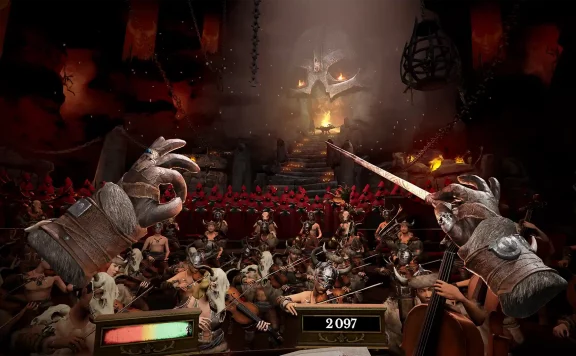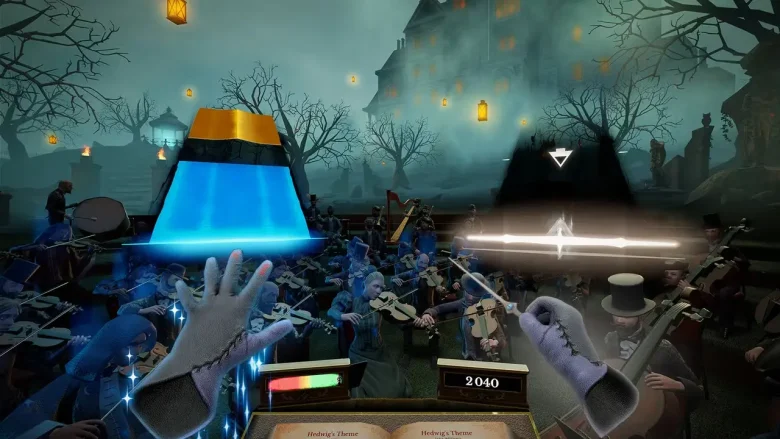
Now, I don’t typically “do” motion controls. I’ve just never understood the appeal. Wii Sports passed me by, as did every other mid-2000’s game that shoehorned waggle controls in, which makes Maestro something of a rarity for me as after several hours with the motion-controlled conductor I’ve actually started to appreciate them somewhat. The combination of engaging, if slightly erratic, controls and iconic music from history and pop culture comes together to make something enjoyable even to wagglephobes like myself.
Equal parts Beat Saber and Guitar Hero, Maestro puts you in the body of the conductor of an orchestra and asks you to lead them to greatness across a sizable catalogue of classic pieces and iconic music from movies and TV. While it’s fairly obvious it started life as a VR game, the developers have managed to translate the movements over to the Joy-Cons, giving Switch 2 players the chance to step into the maestro’s shoes without needing to strap on a cumbersome headset.
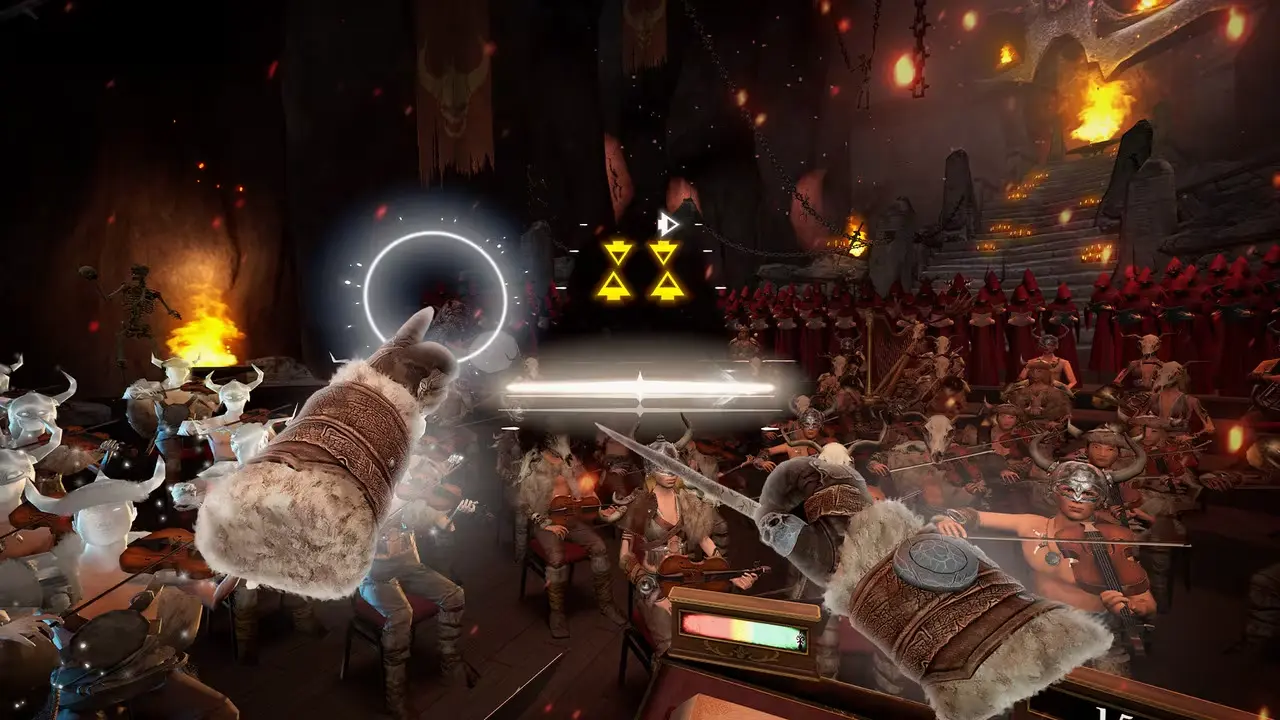
Controls are intuitive and never too complex. A comprehensive tutorial teaches you the basics of the different movements you’ll need to get the most from your orchestra. You conduct by swishing your baton up and down, or use firmer movements to perform accents which serve as the stronger notes in the piece you’re leading. With your other hand you’ll be pointing to different areas in the orchestra to cue them up or use it to lead crescendos and decrescendos.
It’s a lot of fun, with some noteworthy and recognisable tracks in the tutorial that make learning enjoyable, such as using a jazz track to teach you the fundamentals of cues. The game explicitly tells you that you don’t need to make exaggerated movements for them to be recognised but that didn’t stop me doing it anyway, channelling my inner Fantasia Mickey as I lunged up and down in front of my telly.

Once you know what you’re doing then you’re free to work your way through an ever expanding list of pieces, earning points for playing them to a high level which then unlocks new music and cosmetics to enjoy. If, like me, you know very little about “proper” classical music then you may be pleased to know that Maestro has music you’ll know from elsewhere. There’s that loud choral one from X-Factor, the Beethoven ones that everyone recognises, the one from Apocalypse Now and a dozen others you won’t recognise by name but will know the second you start playing them.
Additionally, and more excitingly, there’s a big list of tracks that were actually created for movies and TV shows too. The Bridge of Khazad-Dum from The Lord of the Rings, Duel of the Fates from Star Wars and, my personal highlight, Ramin Djawadi’s opening theme from Game of Thrones are just some of the tracks on offer. These were the highlights for me, and they’re the moments where the game feels at its coolest, as you lead your orchestra through some of pop culture’s most recognisable musical pieces.
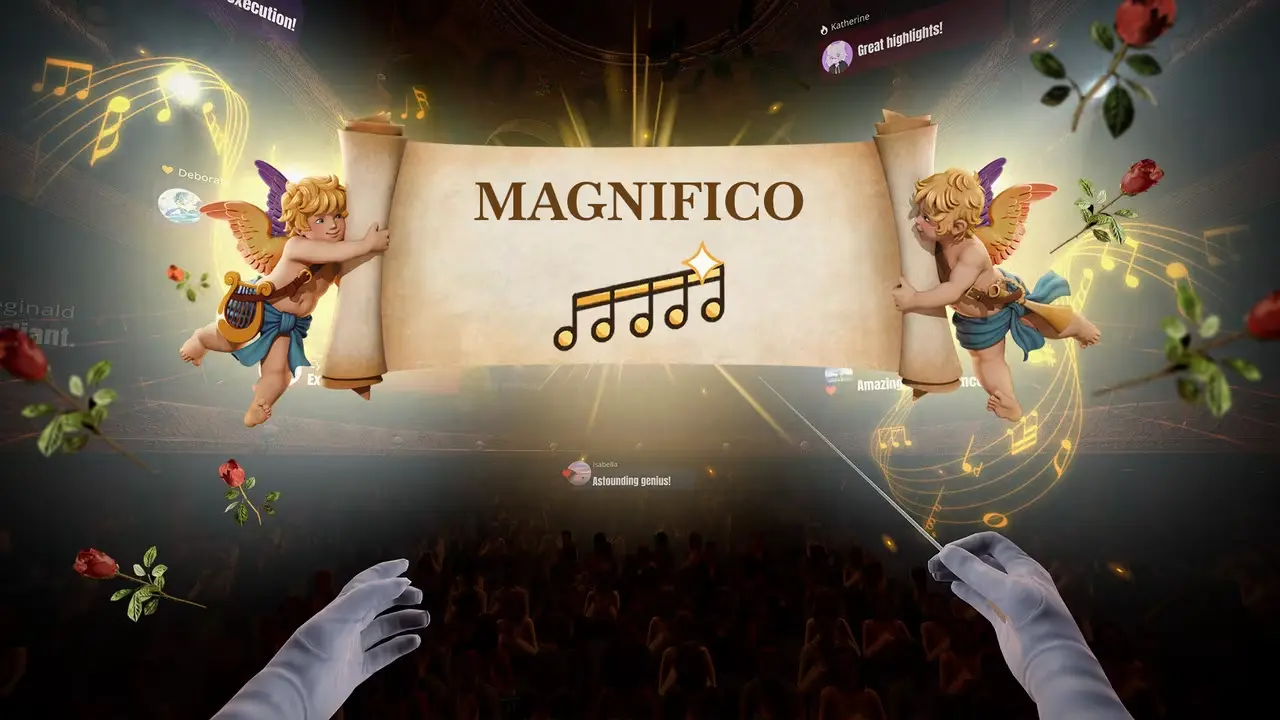
This kicks up another notch when you start tinkering with cosmetics. Each time you complete a song you get brought back to the menu where your servant unveils a host of goodies for you. If you’ve done a good job you’ll find flowers, champagne and even notes from the audience or your orchestra members.
Among them you’ll find new tracks and cosmetic items, including new batons, gloves, outfits for your musicians and new locations to play in. Leading Duel of the Fates while you’re using a baton resembling a mini lightsaber is undoubtedly very cool, as is seeing all the detail crammed into each location and the little flourishes that punctuate the accents and crescendos you’re leading.

The game defaults to its easiest setting which is perfect for the first few tracks, however you’ll probably soon graduate and move up to medium where it feels like you’re skipping fewer notes and therefore feels more natural, much like it did back in the day on Guitar Hero. Any higher than this is where I found the loose nature of motion controls started to undermine the game a little though. I imagine it’s easier to be accurate using VR controls as the tracking is maybe more comprehensive.
Using Switch 2 Joy-Cons, though, I found it easy for movements to be missed, especially in hard mode where the tempo is much quicker. With practice it can be lessened but I never felt 100% confident in my ability to hit notes with the motion controls unfortunately, so ended up sticking to medium where I felt like I had room to breathe to get each note correct.
Maestro is a fun time and it’s undeniably very cool to lead your own orchestra through dozens of tracks you’ll know and love. While it’s not completely turned me around on motion controls, it uses them cleverly and makes a game I’ll dip in and out of whenever I feel the urge to play a rhythm game.