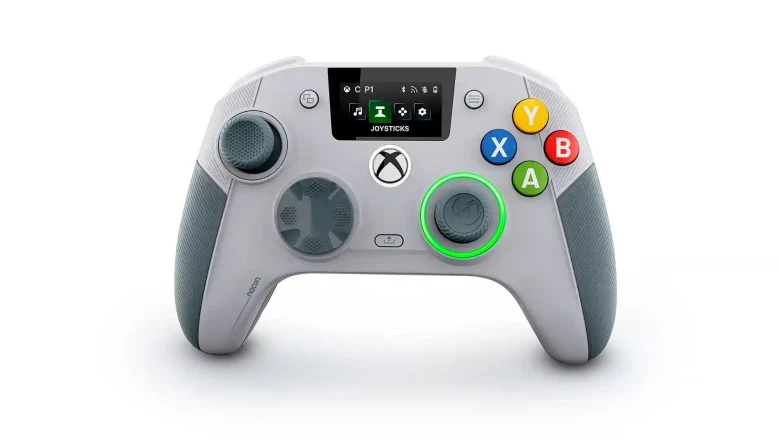
It’s been a while since I’ve used a controller quite as customisable as the NACON Revolution X Unlimited Anniversary Edition. In fact, I’d have to go back to the early 2010s to recall the Mad Catz MLG Pro controller, which did some of the things that NACON’s Revolution X Unlimited emulates, and I can’t help but wonder why it’s taken so long for someone else to do it to such a high level.
For starters, let’s get this out of the way up front: this isn’t a cheap controller. If you’re in the market for a premium controller, though, it’s in the same ballpark as the others. While this particular unit is for Xbox and PC only, the equivalent would be Sony’s DualSense Edge, which is £189.99 at the time of writing, compared to the NACON unit, which is £179.99. The Xbox Elite Controller 2 is around £159.99, so you have the information there and can decide what you’d prefer.
What I will say is that the Revolution X is more customisable than all of the other “elite” controllers on the market, and also it includes a cradle that you plonk it onto when not in use, keeping it at full charge. That’s going to be a negative to those without lots of space, perhaps, but as someone who is a little tired of having a good play session and having to plug a cable in, meaning there’s always cables on view, I’m a big fan of devices that have their own charging docks.
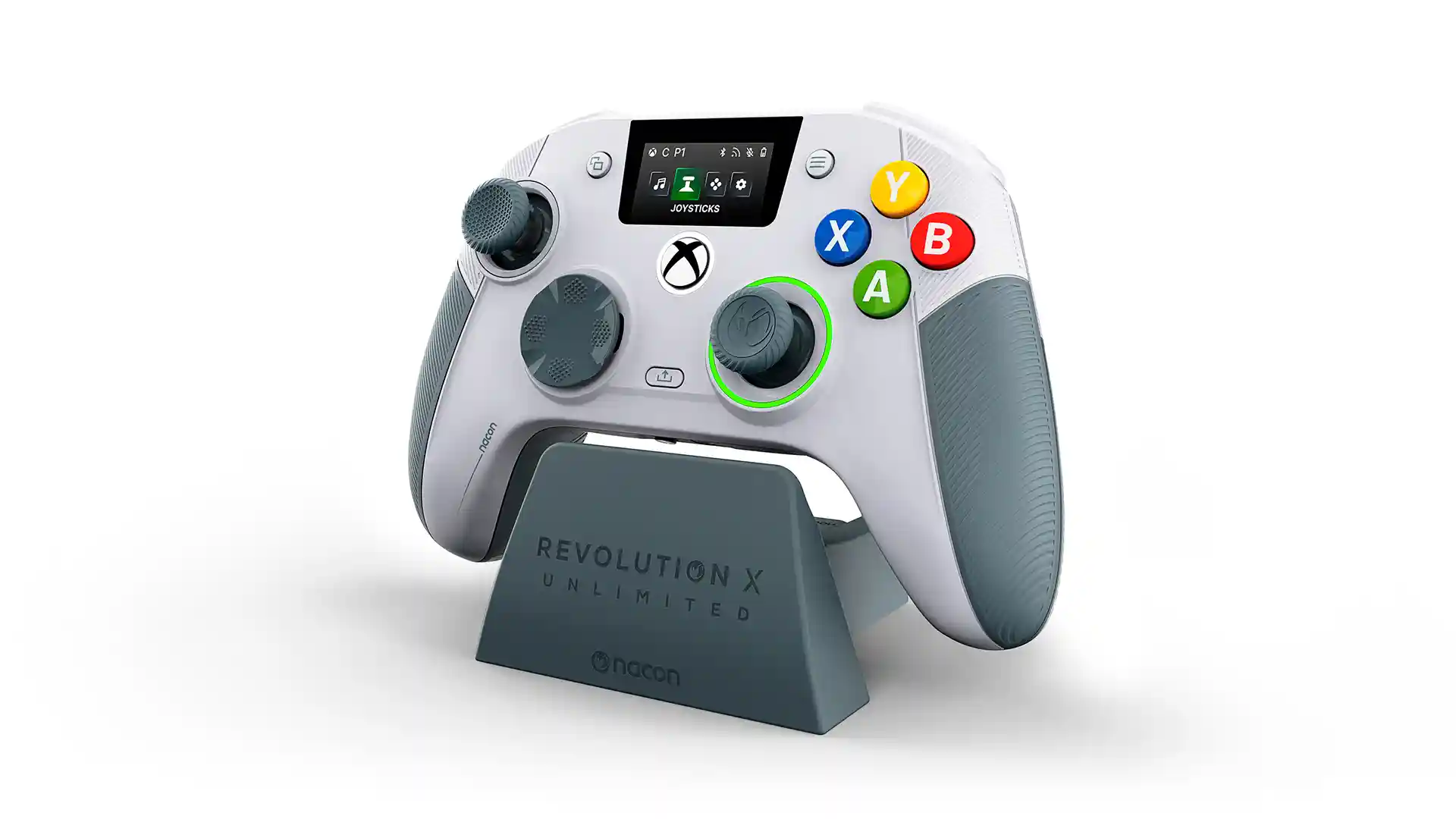
In the box you get a carry case, a smaller box within it that contains the weights, alternative D-Pad, and stick sleeves. There’s even a cleaning cloth in case you want to give the digital screen a quick polish. I found the base sticks to be the most comfortable, as they have a concave indent which I’ve always preferred. The other two sets are more convex and chunkier. As you’d hope for a premium product, the sticks are using Hall Effect technology, so drift won’t be an issue. You can probably see from the pictures, but the stick positions are asymmetric, so if you do prefer a PlayStation style, there’s not much you can do about that.
The D-Pad is adjustable as well, from an 8-directional pad (which is how it appears out of the box), to the 4-directional one I prefer from both an aesthetic point of view, and just how it feels in the hands. Triggers are adjustable via switches which change them from what you’d expect to having a shorter throw, becoming more like “buttons”, which is aimed at first-person shooter players who find the full throw of a trigger just takes too much time.
There are 10g, 14g, and 16g weights (two of each) included in the little accessories box, and these are for the grip area of the NACON Revolution X Unlimited. You simply slide the rear part off and can drop in your preferred weight. I like it to feel heavy, and again this harks back to the MLG controller from the 360 era I mentioned early. Ironically, it’s taken nearly 20 years to find a controller that does so much of that, and adds new customisation in the process, but perhaps that’s why this is the Anniversary Edition. In truth, it’s a fairly hefty unit already, but it’s always nice to have options.
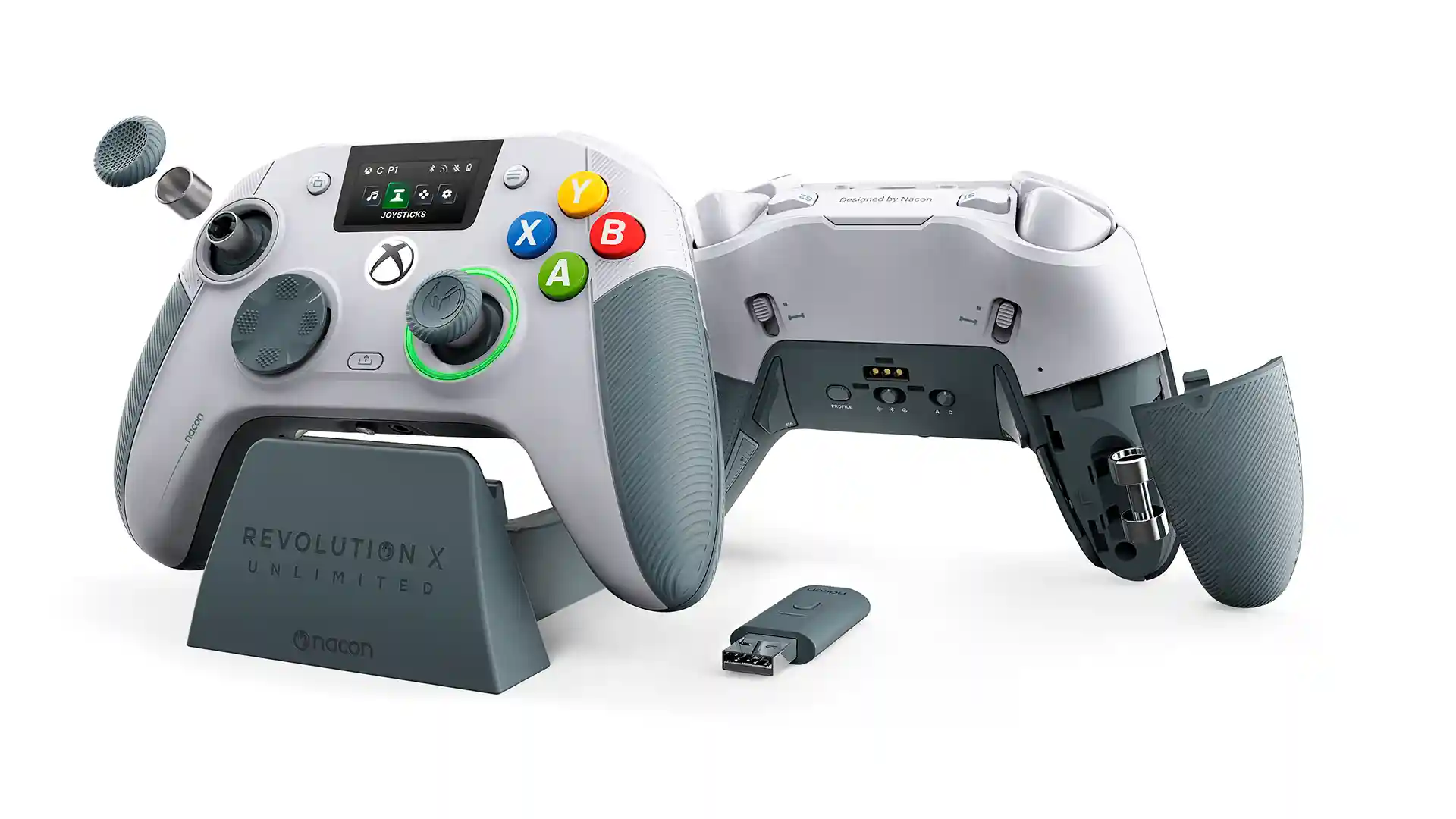
You’ll get around ten hours of battery life out of the Revolution X Unlimited, but it’s not really an issue given that it includes a dock you’ll place it on when not in use. It uses similar technology to other accessories these days in that there’s a USB dongle included to connect it wirelessly, but you can plug that into the dock itself and cable the dock to a PC to make it fully wireless. It also includes Bluetooth if you prefer that type of connection, and of course you can wire it (and will need to for updates and using the PC-based app to adjust things) as well.
Speaking of which, you could almost say the NACON Revolution X Unlimited Anniversary Edition has too many buttons. The standard “extra four” on the back are included for shortcuts and custom layouts, but there’s even another two on the top between the triggers and bumpers. PC users will have fun with customising, and creating profiles within the app is easily done. That app is usable and responsive, but it might end up being a “set and forget” thing for most players, especially once you’ve adjusted things to your preference.
The small screen on the controller is activated by a separate button (again, between the bumpers, making it slightly crowded), and you can use the D-Pad to go between audio, gyroscope (yes!), button mapping, and a settings menu that lets you use Bluetooth, repair to the dongle, and turn on battery saving mode. The app itself lets you adjust stick curves, sensitivities of individual components, and you can even import profiles for specific games if you know where to find them.
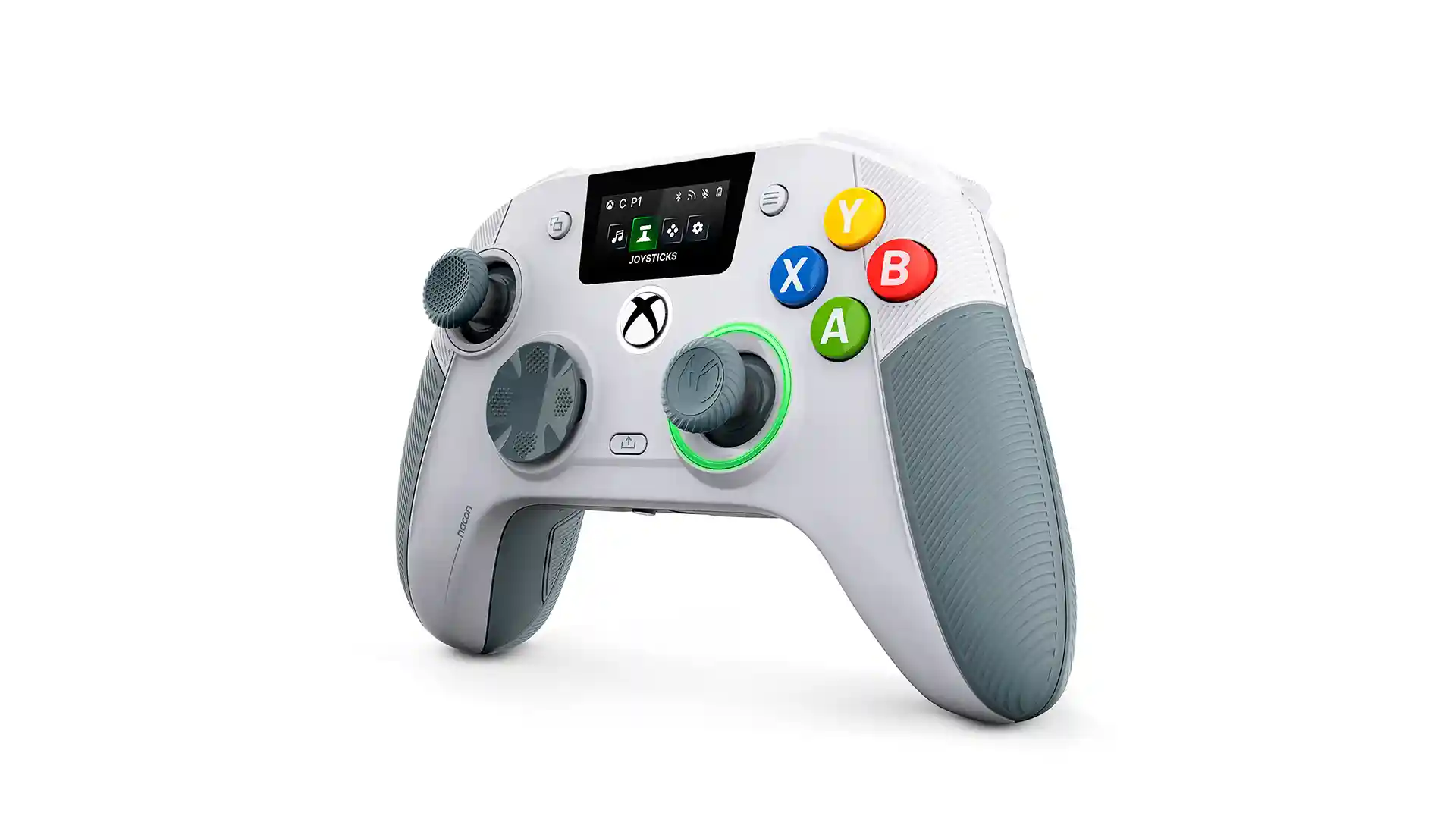
There’s very little to dislike about the NACON Revolution X Unlimited, but I do have one tiny bugbear. The face buttons and D-Pad have a click to them I just couldn’t fall in love with. I know that this sounds like the biggest non-issue ever, but it’s a click that, frankly, sounds and feels a little cheap. Anyone in the market for a premium controller has probably got plenty of experience with holding one, and pushing buttons, and this one just feels slightly “off” due to that sound. Sometimes it feels more like a mouse click than a controller button push. You’ll adjust in time (I did), but it’s a peculiar choice for an otherwise incredibly high-end experience.
With superb connectivity, customisation, and an overall great feel in the hands, the NACON Revolution X Unlimited is an excellent premium controller for either Xbox or PC players. While it’s impossible not to baulk at the price, given the current competition out there this is a controller you won’t be disappointed with. I’d be surprised if there is a better third-party controller on the market, frankly, and that’s high praise indeed.